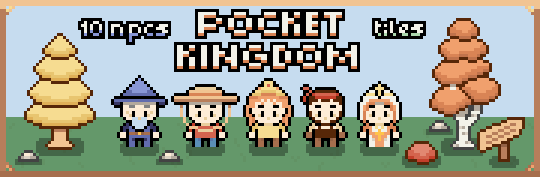
Pocket Kingdom: RPG Starter Kit
A downloadable asset pack
Pocket Kingdom
The complete RPG Starter Kit
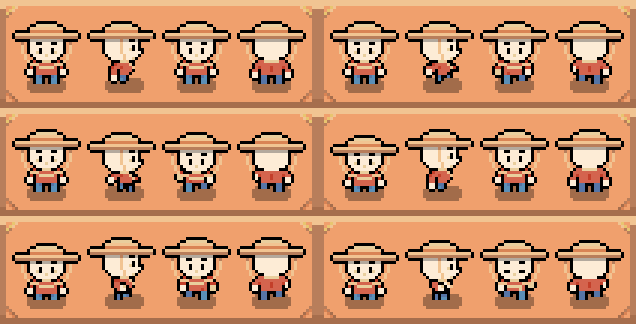
10 Characters With 80 Animations
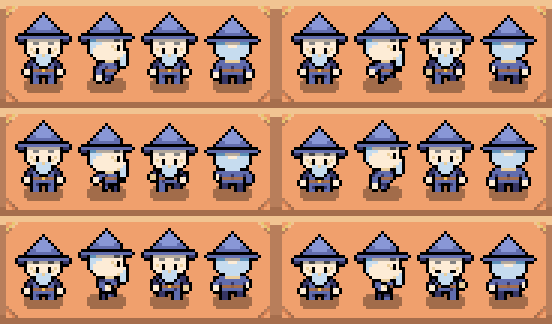
- Four-directional Walking Animations (front, side (flip sprite for left/right), and back)
- Four-directional Idle Animations (front, side (flip sprite for left/right), and back)
- Sprites are 32 x 32
- PNG and Aseprite Files Included
- The shadow is saved as a separate PNG for you to add or not add as you choose!
Adventurer
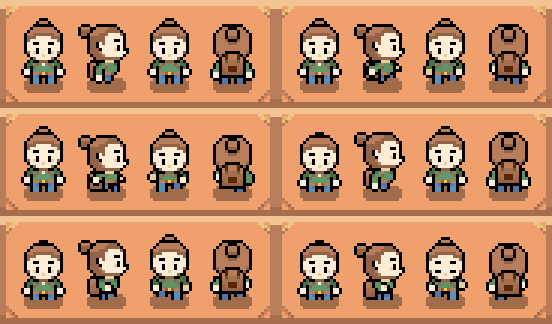
Blacksmith
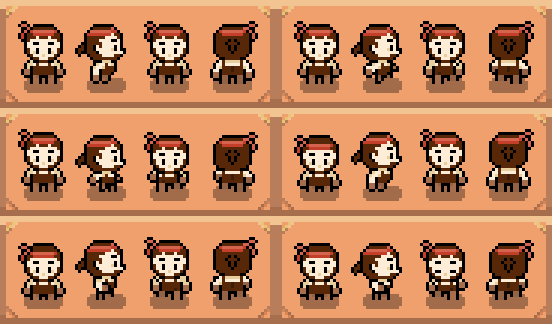
Chef
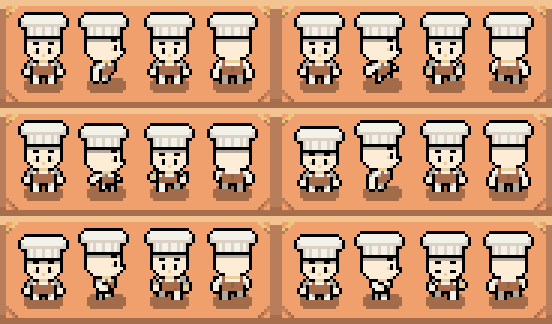
Farmer
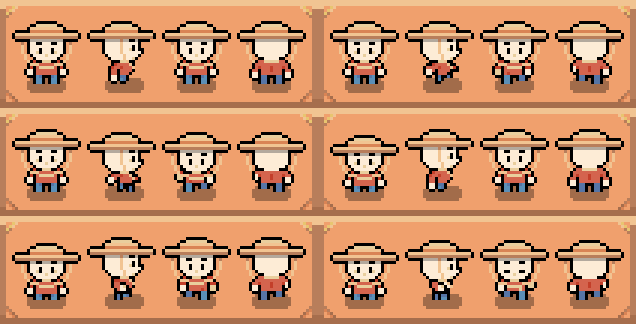
Goblin
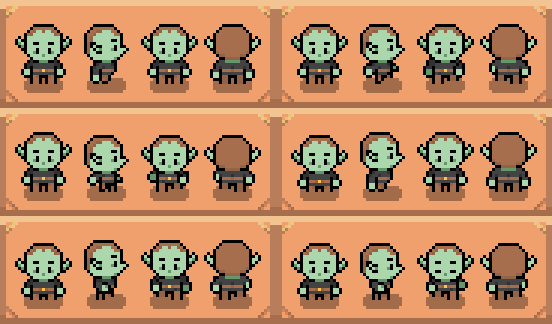
Knight
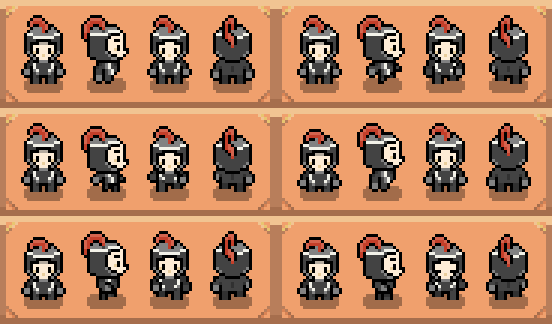
Nurse
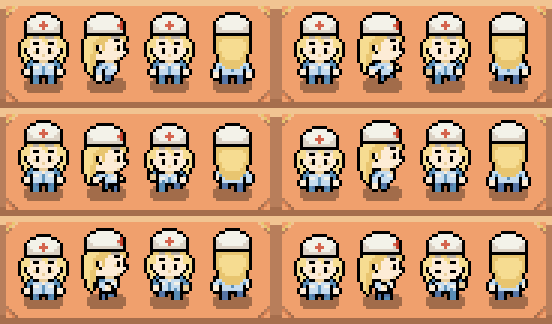
Priestess
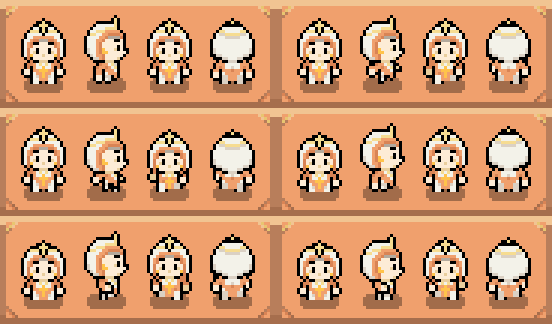
Princess
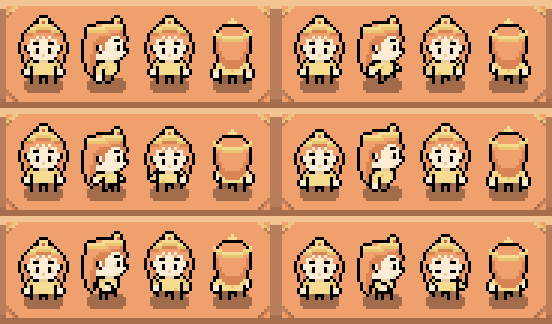
Wizard
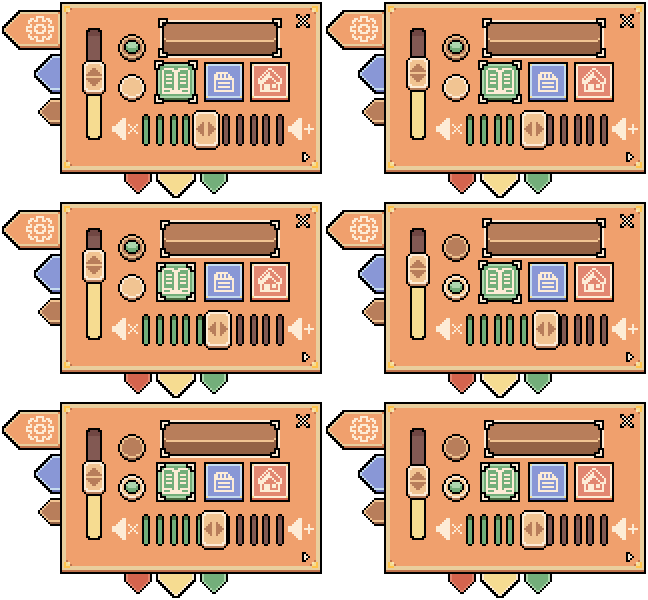
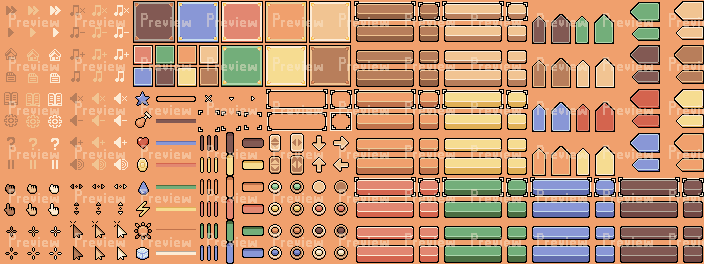
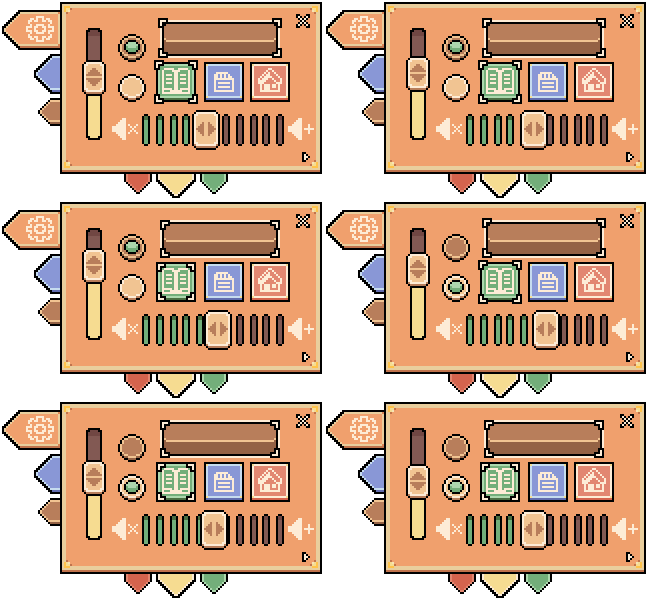
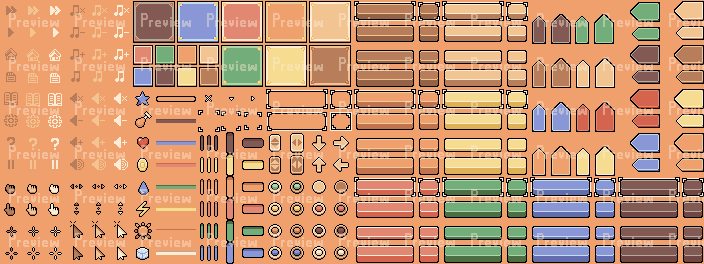
Customizable UI with 250+ Sprites
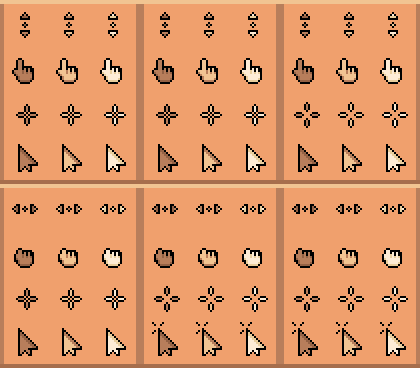
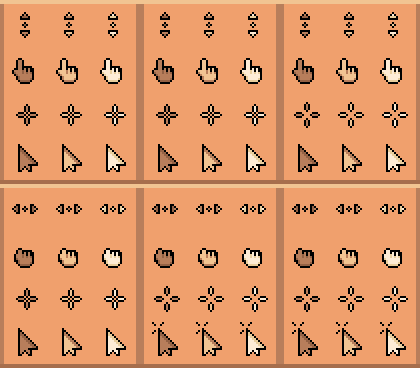
- 4 Cursors
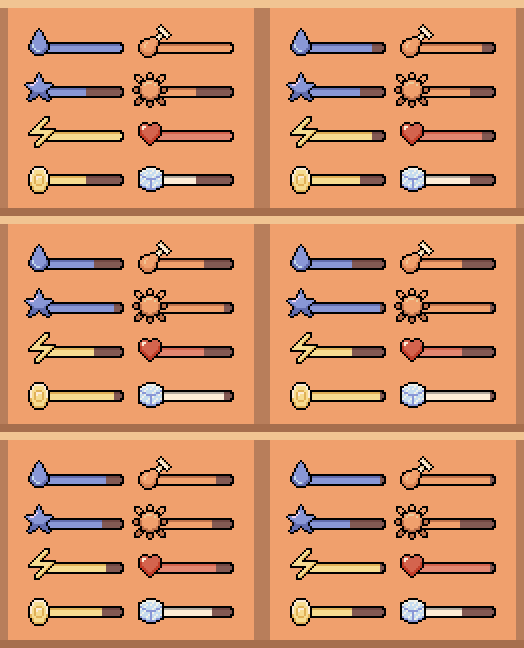
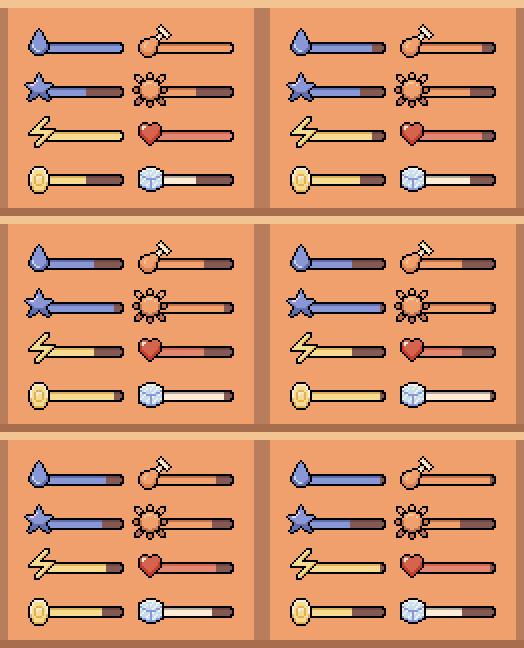
- Progress bars with 8 unique icons in 7 colors
- 16 Icons in 3 colors
- Menu Panels in 2 sizes & 8 colors
- Menu Tabs in vertical and horizontal in 8 colors
- Buttons in 2 sizes and 8 colors w/Pressed & Hover animations
- Radio buttons in 14 color combos
- Slider bars in vertical & horizontal in 6 colors
- UI sprites are arranged in a 22x22 grid
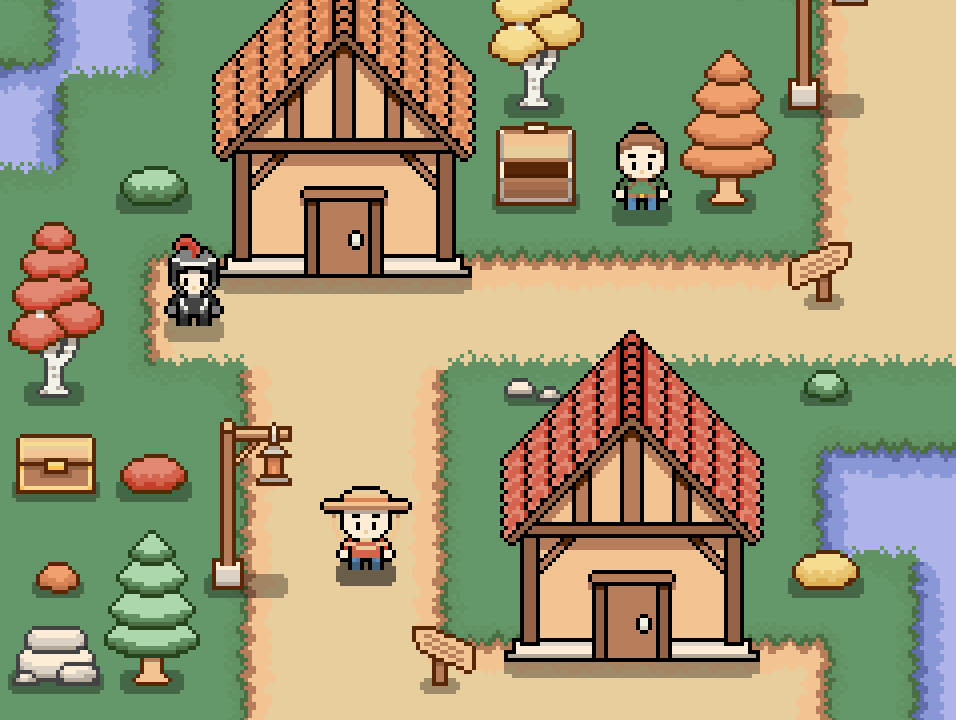
Tileset with 100+ Unique Tiles
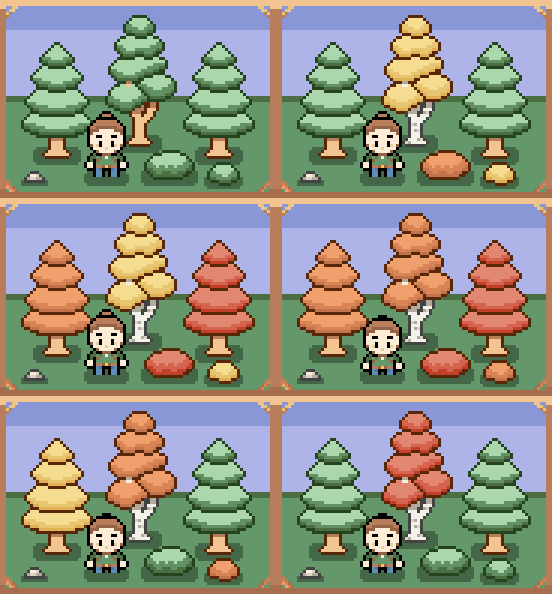
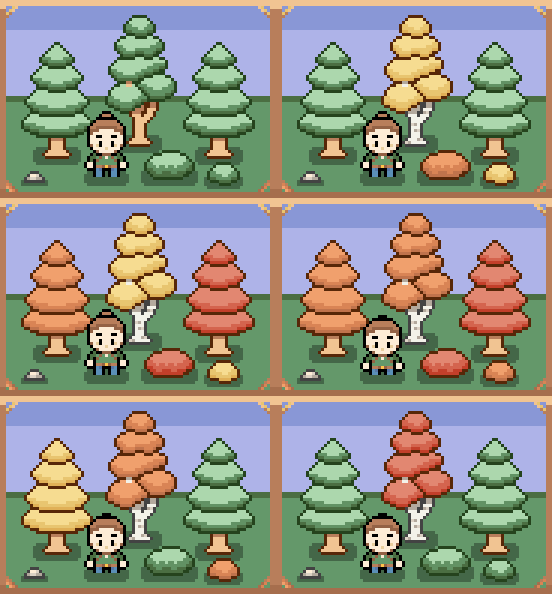
- Foliage: Trees and Bushes in various colors!
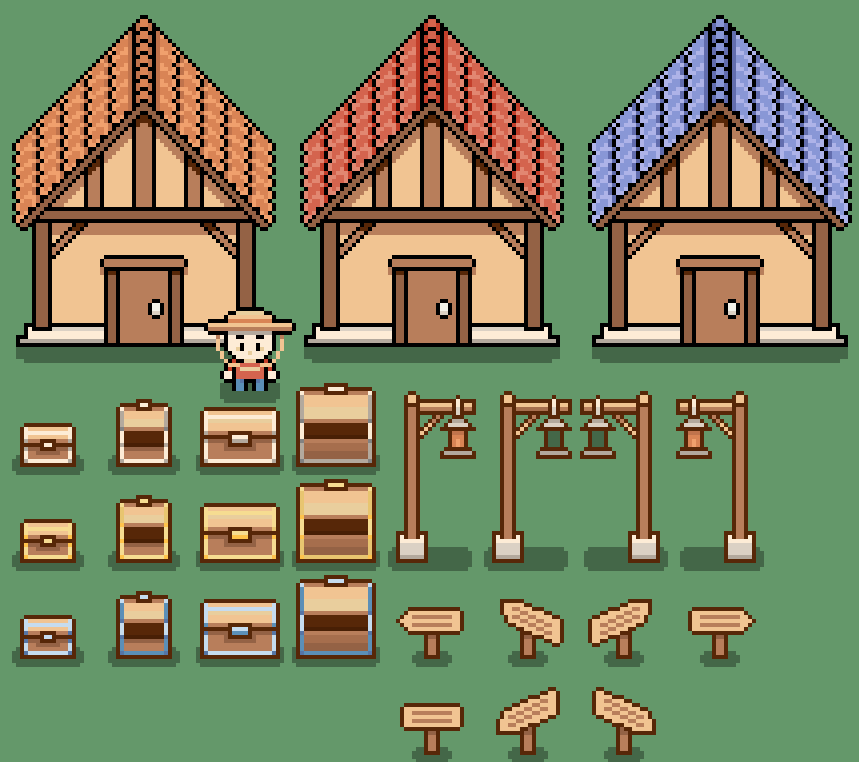
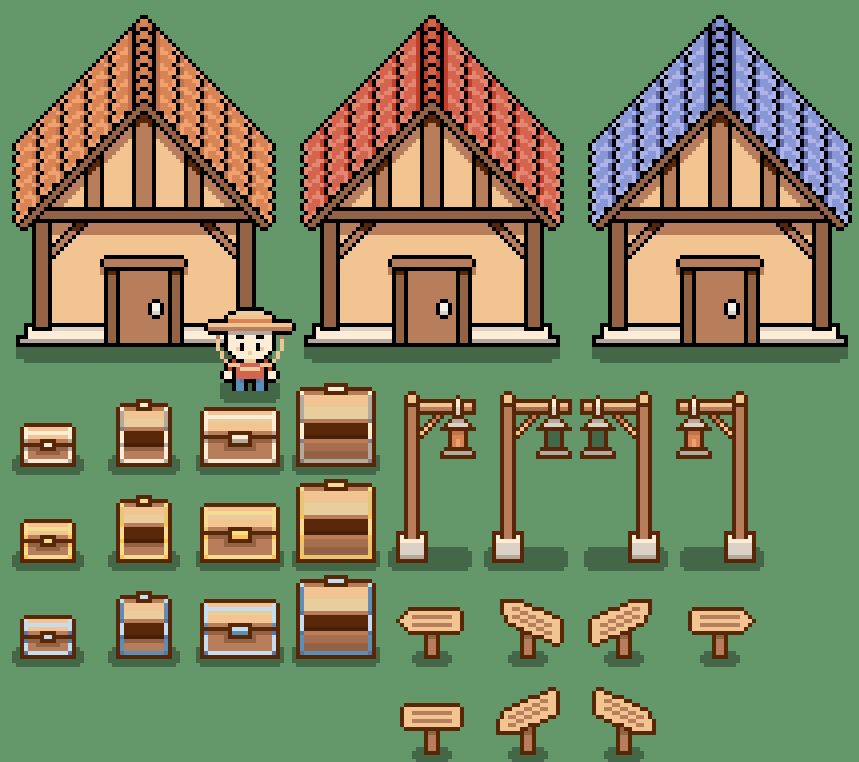
- Props: Houses, Chests, Lamp posts, Floor Signs
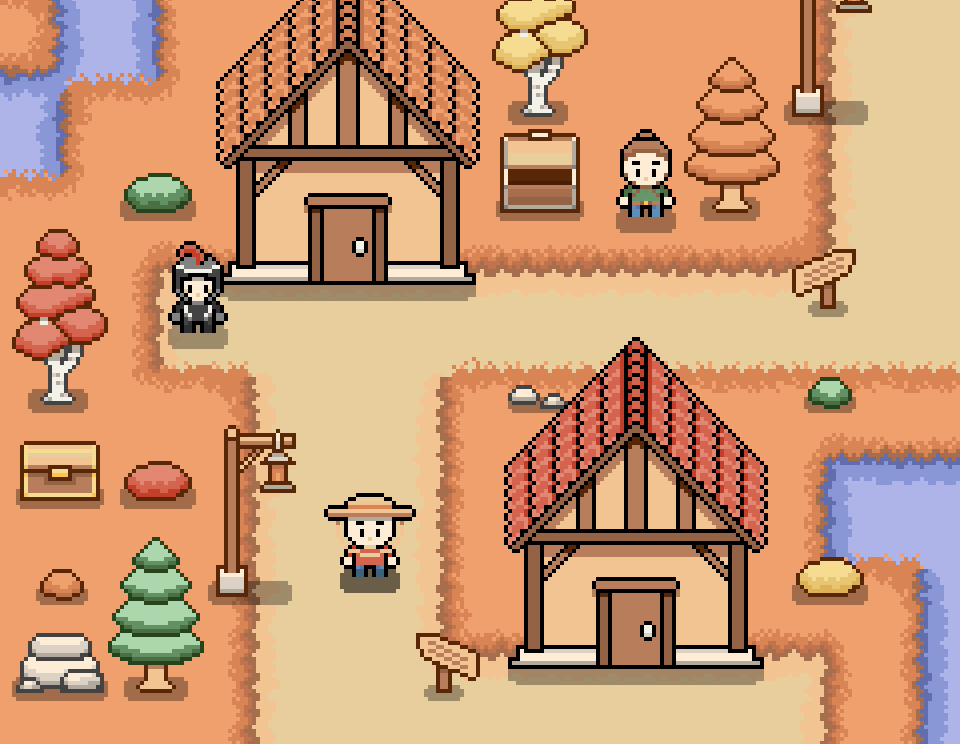
- Contains grass, path, water, and fall grass variants
- Tile grid size is 24x24
Foliage
Props
Grass, Path, Water, and Fall Variant Tiles
Licenses
- You may use these assets in both personal and commercial projects.
- You may edit and/or modify these assets to fit your projects.
- You may NOT redistribute, resell, or re-upload these assets, whether modified or unmodified.
- You may NOT use these assets for AI training.
Credit is not required, but very appreciated!
This is an ongoing project with more content planned, so please leave suggestions for what you would like to see added below!
Loving this pack? Leave a Rating!
Free Sample Includes...
- Adventurer Character with all animations
- Basic UI kit
- light brown and dark brown buttons and panels
- heart icon
- 1 color variant progress bar, slider bar, and radio button
- 7 basic menu icons
- finger pointer cursor
- Basic Tileset
- Grass and path tiles
- green foliage variants
- small chest, sign, and brown house props
Purchase
In order to download this asset pack you must purchase it at or above the minimum price of $1.50 USD. You will get access to the following files:
Download demo
Development log
- Free Sample Added!10 hours ago
- Introducing UI! Icons, Panels, Buttons & More !5 days ago
- Tweaks and Minor Additions!25 days ago
- Pocket Kingdom - The TileMap Update!33 days ago
Comments
Log in with itch.io to leave a comment.
The art is super cute! My only issue is because I have sensitive eyes; everything is really bright! Still, Followed!
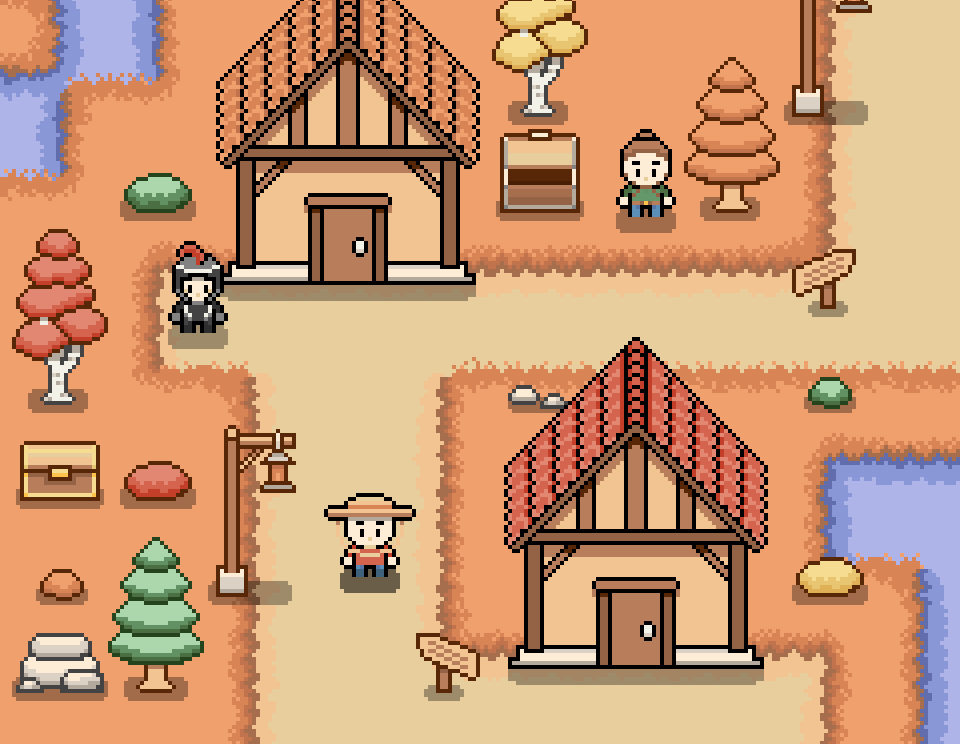
You asked for a feedback on reddit, but I'm not able to comment with an image there, so here it is:
I like the style, especially the pastel colors!
I think the main thing to worry about are the shadows, try to unify their direction.
For example the house has only shadow on the front but there is no shadow around the house (the corner or left and right side)
This makes the house look like a paper cutout without any depth.
try to add something like in position II.
Your way of doing shadow works with characters but not with bigger structures, especially when you added that white curb for the house.
You did good with trees.
Also try to unify the way you use black outline, in position I. i colored the previously black line in dark brown like you did with chest and trees, i left the outline black because i presume the house should be interactable. (characters and interactable objects usually have black outline)
The same principle is basically in position IV. with the tree. but that one i leave to you, it is an artistic choice and i see your prespective is more of side view than top view, so it works here in my opinion.
BUt for more top-down view the tree shading should be done a bit different.
I think you should get rid of some colors that do not add too much to the objects. Like the greeen tree in position V. and Grass in position III.
The tree uses two very similiar green colors for its shading, so there is no point of using two colors, pick one or use darker/lighter color.
Also same thing with the grass and path, the shadow on the path was very light (you either want to add shadow or you don't, so go bold with it.
Anyway, really great work overall, and I wish you lots of success with the pack!
Thank you! I wasn't expecting such detailed advice. I definitely felt like the houses were flat, so I appreciate your suggestions on that. I'm planning on doing a structures update at some point, so this advice will come in handy! I also really like the color correcting you did on the green tree and path. Especially the tree- it looks a lot cleaner in your example. Thank you again!
They look great!